Infrared vs Thermal: What’s the Difference?
Infrared vs thermal: a thermal camera sees heat, while most other infrared cameras film light you can’t see bouncing back. When you shop for a camera, the two words keep getting mixed up.
Written by XRayly Team5 min readUpdated
Most IR vs thermal guides treat them as two different things. They aren’t. Infrared (IR) is light your eyes can’t see, and it comes in a wide range. Thermal is one part of that range. Which part a camera uses decides whether you see faces or heat.
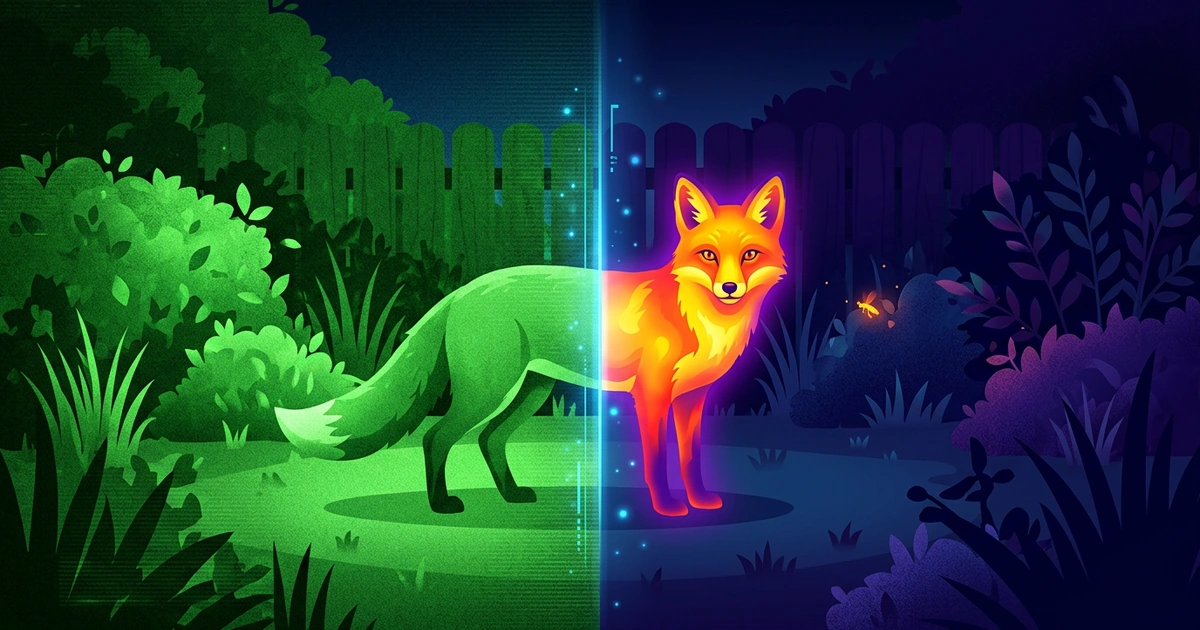
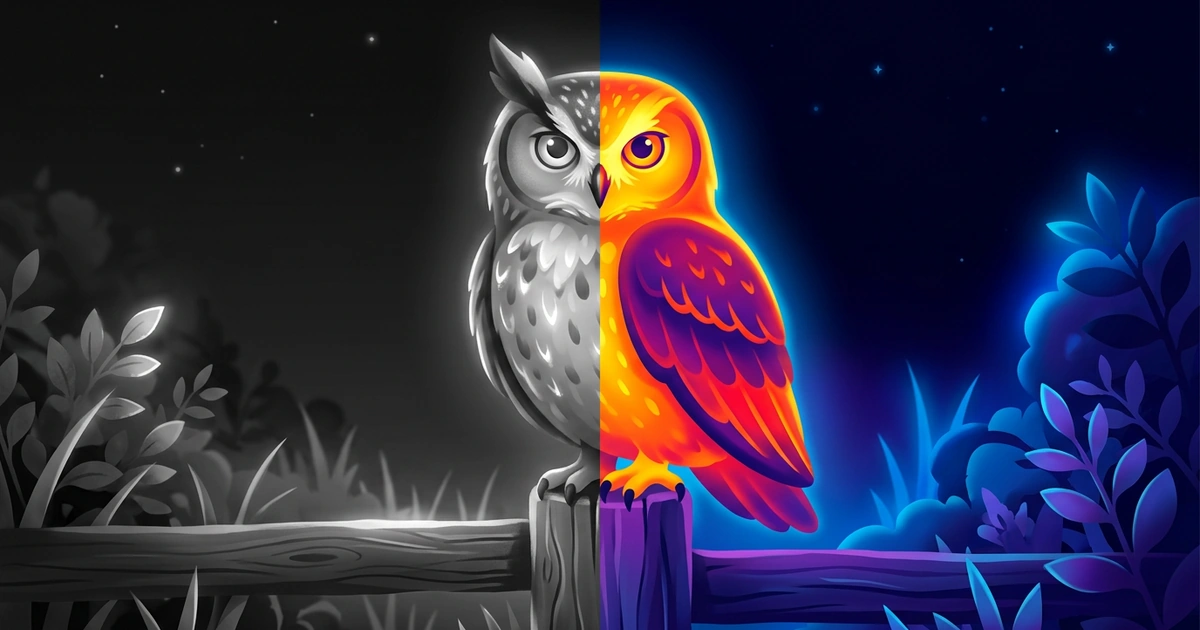
Infrared vs thermal: thermal is a kind of infrared. Most “infrared cameras” shine light you can’t see and film what bounces back. You get a sharp black-and-white picture, with faces. A thermal camera picks up the heat that warm things give off. It works in the pitch dark and shows heat as colors, but no faces.
Is Infrared the Same as Thermal?
Not quite. All thermal is infrared, but most infrared isn’t thermal.
Infrared comes in different wave lengths. The shortest is called near-infrared. A TV remote uses it, at about 940 nanometers (millionths of a millimeter), NASA notes. Earth scientists call 8 to 15 microns (thousandths of a millimeter) thermal infrared. Those waves are about ten times longer.
The two behave differently. Near-infrared works like normal light. It bounces off things, so a camera needs a lamp to use it. Thermal infrared comes off every object by itself. Caltech’s infrared center (IPAC) notes that the cooler an object is, the longer the infrared waves it shows up in.
Thermal vs Infrared Camera: What Each One Shows
An infrared camera shows a sharp picture in gray. A thermal camera shows warm shapes in colors it makes up.
Infrared camera: reflected light. Small lights (LEDs) around the lens shine near-infrared light. The camera films what bounces back, like a flashlight only it can see. You see faces and license plates in gray, as far as its light reaches. Most home security cameras work this way at night.
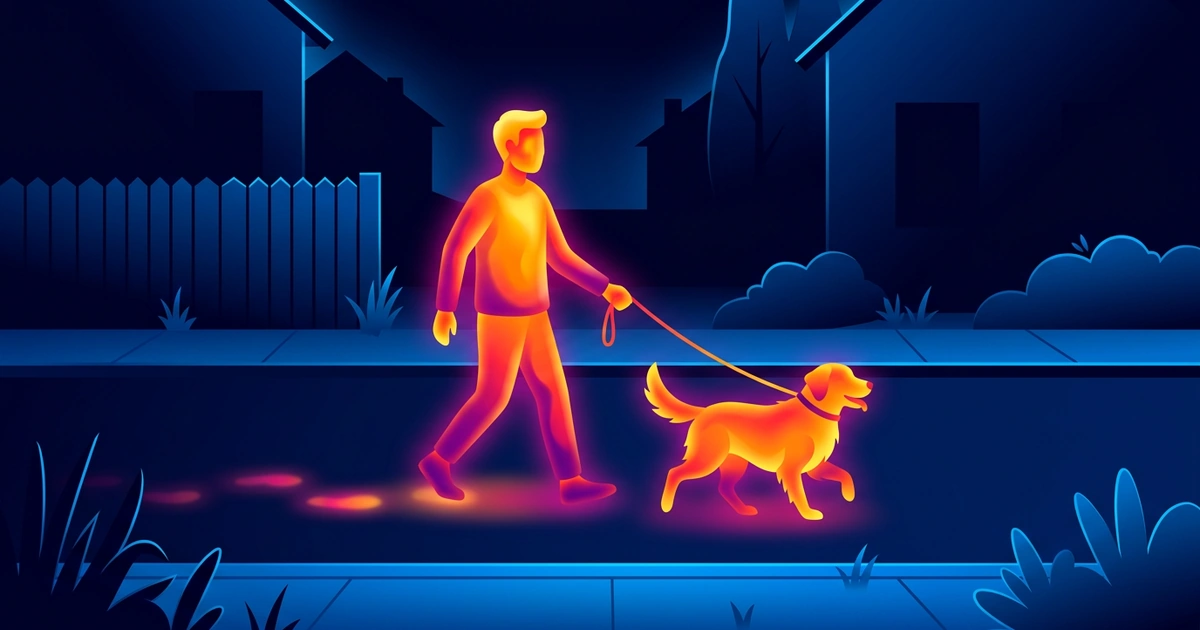
Thermal camera: heat. It picks up the heat coming off each object and colors each spot by its temperature. A person shows up as a bright glow on a dark background. You can’t see their face.
Leaves are a good example. NASA notes that a plant with more chlorophyll (the green stuff in leaves) reflects more near-infrared. So in NASA’s infrared photo of a park, green trees turn red. To a thermal camera, the same leaves are just cool, dull shapes.
XRayly’s Thermal effect creates that glowing heat-map look.
Night Vision vs Infrared: Where They Overlap
Night vision is the goal, and infrared is often how cameras reach it. “Infrared night vision” on a security camera means the small lights around the lens. That’s why the picture turns black and white.
Night-vision goggles take in faint moonlight and starlight and make it much brighter. The National Institute of Justice notes they also pick up near-infrared. Many have a built-in infrared light for the darkest nights. The first night-vision scopes couldn’t work at all without an infrared lamp.
Neither one reads heat. Both need light, even if they make it themselves. Only thermal works from warmth alone.
How to Tell an Infrared Camera From a Thermal One
Any one of these checks gives you the answer in under a minute.
Look at the night picture. Gray, with faces and signs you can read? It’s infrared. Glowing shapes in yellow, orange and purple, or white on black, with no faces? It’s thermal.
Look around the lens. A ring of small dark dots around the lens means infrared lights. Some glow a faint red in the dark. Thermal cameras have no ring, because they don’t need light.
Try your phone camera. Point your phone at the ring of lights at night. Many phones show them as bright spots, because NASA says some phone cameras can pick up that light. A thermal camera has no lights, so your phone sees nothing.
Read the specs. A number in nanometers (nm), such as 940nm, means an infrared camera. Microns (µm), the word “thermal” or LWIR (long-wave infrared) mean a thermal camera.
Where XRayly Fits In
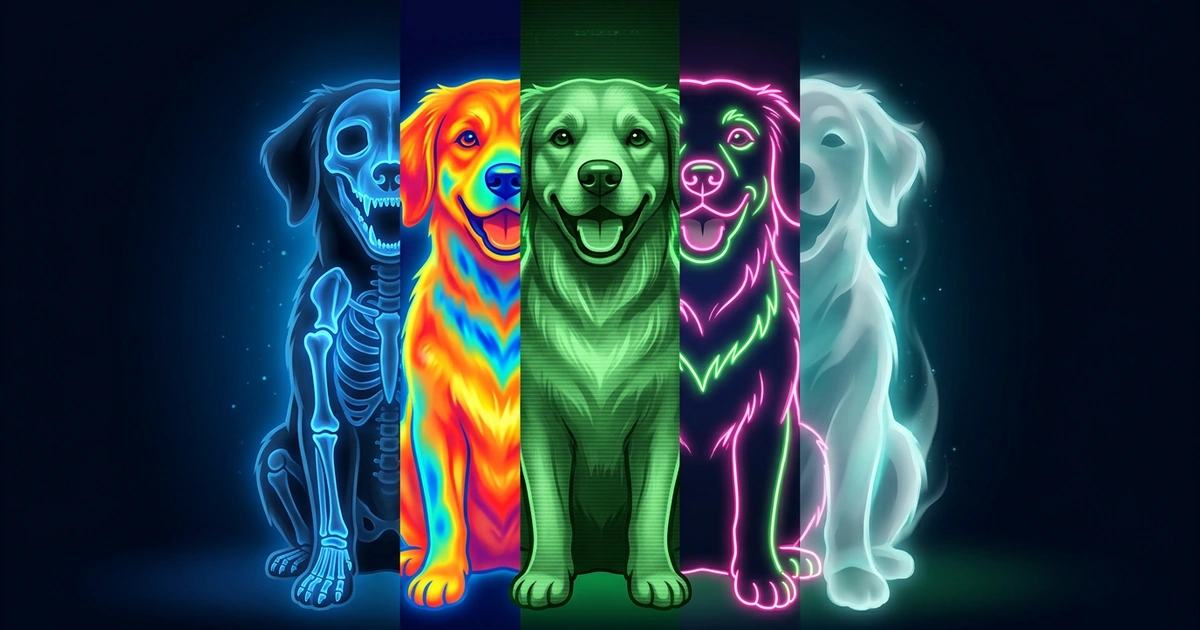
Want the heat-map look without buying a camera? Open XRayly, pick Thermal and choose a photo. Selfies and shots with a plain background work best. You get bright yellows, oranges, reds and blues in seconds. Compare it with your photo in Before and After, then save or send the one you like. Try another effect turns that same photo into Night Vision’s green glow.
For video, the Thermal live effect adds the look while you film, for up to 30 seconds. Nothing gets uploaded.
Frequently Asked Questions
Do infrared cameras detect heat?
Only thermal ones. A security camera with infrared lights films the light that bounces back. So a cold statue and a warm person can look the same gray, and it can’t tell you if a car engine is still warm. A thermal camera is a kind of infrared camera too, but it picks up the heat itself.
Why does my security camera turn black and white at night?
Because it switched to infrared. When it gets dark, the camera turns on its infrared lights. Near-infrared has no colors the camera can tell apart, so everything comes out gray. In the morning it switches back to color. Some cameras add a white light to keep color at night.
Sources and further reading
- Infrared Waves (NASA Science)
- Reflected Near-Infrared Waves (NASA Science)
- Near, Mid and Far-Infrared (Caltech IPAC)
- Scoping Out Night Vision (National Institute of Justice)
See your world differently
Download XRayly, try X-Ray, Thermal, and Night Vision on your own photos, and find your favorite style.