How Do Thermal Cameras Work?
How do thermal cameras work, and could your phone do the same? You’ve probably seen a glowing heat-map video of a dog or a house and wondered what the camera actually picks up.
Written by XRayly Team8 min readUpdated
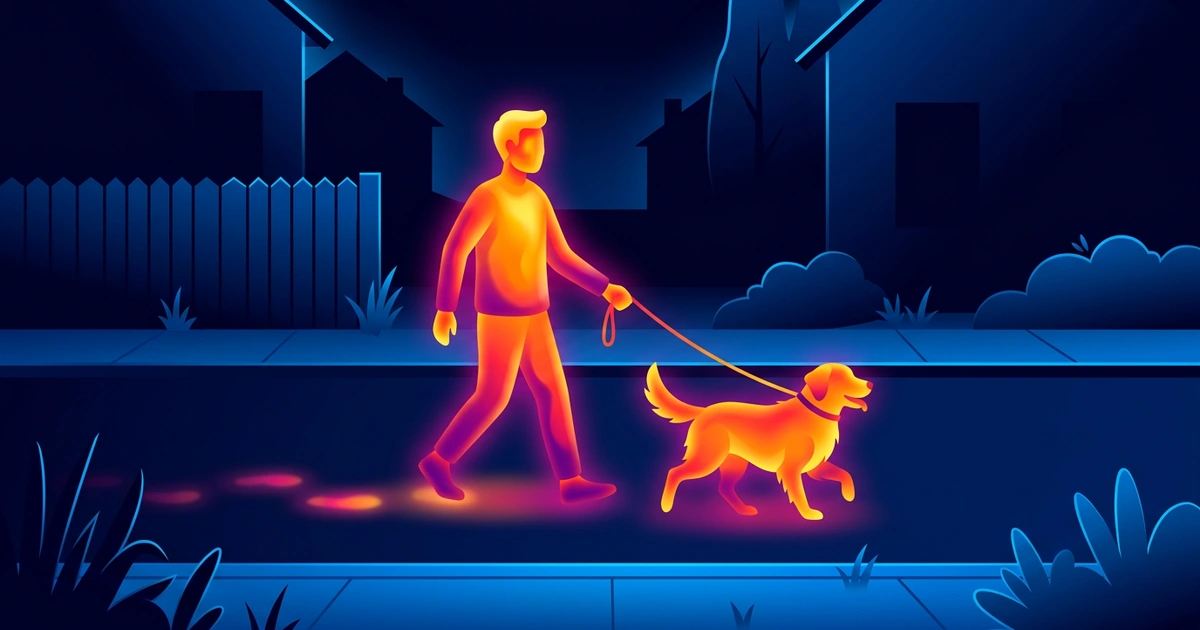
A thermal camera doesn’t take a picture of light. It reads the heat coming off every surface in front of it, then paints those temperatures in colors your eyes can follow.
That one idea explains almost everything people ask about them: why they work in total darkness, why glass turns into a mirror, and why they can’t see through walls or clothes.
How do thermal cameras work? They sense the infrared heat every surface gives off, in the 8 to 15 micron range scientists call thermal infrared, and map warmer spots to brighter colors. They need no light, so they work in total darkness, but they only show surface temperature: walls, glass, and clothing block the view.
How Do Thermal Cameras Work?
A thermal camera senses the infrared heat every object gives off and turns those differences into a picture. You can’t see infrared, but you feel it: NASA notes that our eyes can’t see it, but we can detect it as heat.
People aren’t hot enough to give off visible light; NASA notes that we emit only infrared. Earth scientists call the band from 8 to 15 microns thermal infrared, and that’s the heat a thermal camera is built to read. It works in three steps.
Collect the heat
A lens focuses infrared onto the sensor. It can’t be ordinary glass, which blocks thermal infrared, so thermal lenses are made of special materials.
Measure each spot
The sensor is a grid of tiny pixels. Each one warms up slightly as heat lands on it, and the camera reads that change as a temperature.
Paint the picture
Software turns the grid of readings into an image, gives each temperature a color, and shows it live on the screen.
What Do the Colors on a Thermal Camera Mean?
The colors are a palette the camera applies: brighter usually means warmer, darker means cooler. They aren’t the colors the scene really has; the camera assigns them so your eye can spot temperature differences fast.
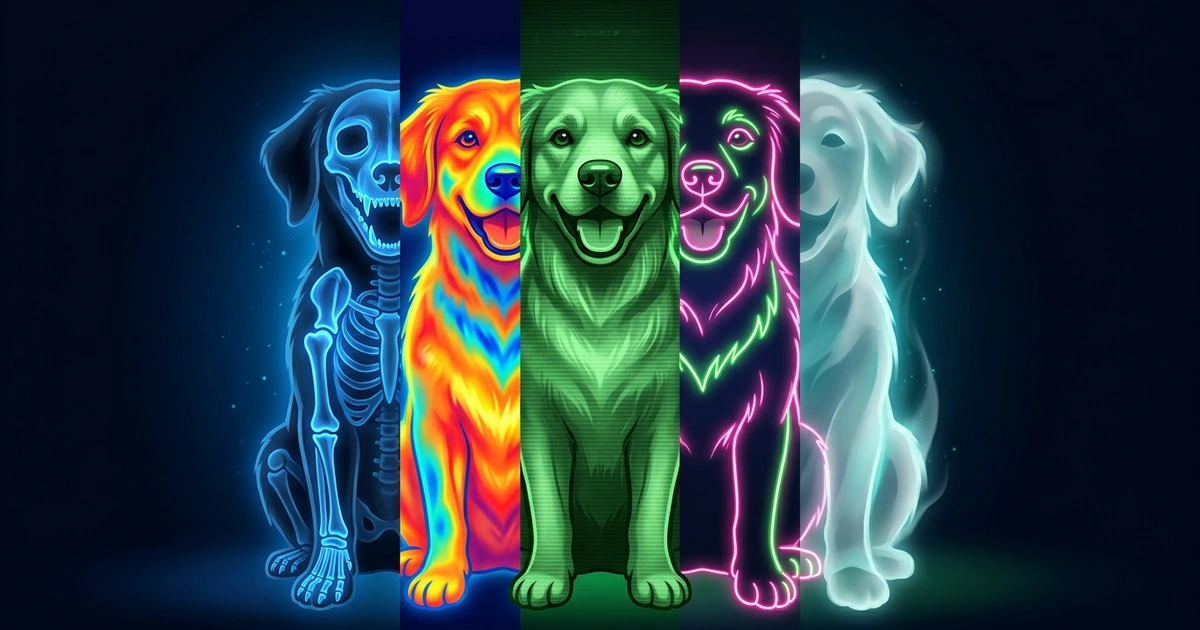
Most cameras let you pick the palette. White-hot shows warm things in white on gray, black-hot flips it, and iron or rainbow palettes run from purple and blue through red and orange to yellow and white for the warmest spots.
The palette stretches over whatever range is in view. If a scene runs from 60°F to 100°F, a 75°F mug looks orange next to a cold window and purple next to a hot stove. Two surfaces at the same temperature get the same color, so for real numbers, read the temperature scale on the side of the image.
Can Thermal Cameras See Through Walls, Glass, or Clothes?
No. A thermal camera shows the temperature of the surface it’s pointed at, so a wall, a window, or a jacket is what you see, not what’s behind it.
Glass is the surprise. NASA’s Spitzer team photographed a man with his hands in a black plastic bag: in infrared, the bag let the heat through and his hands showed, but his glasses were completely opaque. Point a thermal camera at a window and you’ll mostly see a reflection of yourself.
Walls work the same way. A hot pipe or a leak can warm or cool a wall’s surface enough to show up, which is why inspectors use thermal cameras on homes. Press your hand on a wall for 10 seconds and the camera shows a warm handprint after you pull away; that’s the wall’s surface, not the room behind it.
Clothing shows up as warm fabric. Body heat warms what you’re wearing, so a person looks like a warm shape, and thicker layers look cooler and flatter. No thermal camera shows what’s under clothes.
Do Thermal Cameras Work in the Dark, Fog, or Smoke?
They work in total darkness, because they read heat, not light. A deer in a pitch-black field looks as clear at midnight as at noon, as long as it’s warmer or cooler than the grass around it.
Smoke and haze get in the way less than they do for a regular camera, which is one reason firefighters carry thermal cameras. It’s the same idea NASA uses in space: infrared’s longer wavelengths pass through dense dust clouds with less scattering than visible light.
Heavy fog and rain are different. Water droplets absorb and scatter thermal infrared, so the image gets softer and the range drops. Timing matters too: after 8 hours in the sun, a rock can glow as brightly as a person standing next to it.
Thermal vs Night Vision: What’s the Difference?
Night vision boosts faint light; thermal reads heat, so it needs no light at all. That’s why night vision struggles in a sealed, pitch-black room and a thermal camera doesn’t.
The pictures look different too. Night vision gives you a grainy green image with real detail, like leaves on a tree or the face of a person. Thermal gives you shapes and temperatures: a warm animal pops out from a dark hedge, but you won’t read a license plate with it.
Can Your Phone Be a Thermal Camera?
Not on its own: phone cameras can’t capture thermal infrared. Their lenses and sensors are made for visible light, and the heat people give off sits far beyond what they pick up.
You can see the difference in 10 seconds. Point your phone camera at a TV remote and press a button: many phones show a small flash. NASA notes that some phone cameras are sensitive to that wavelength, but it’s near-infrared light from the remote’s LED, not heat. Point the camera at your hand and nothing glows.
Real thermal on a phone takes extra hardware: a small thermal camera that plugs into the charging port, with its own sensor and lens. An app on its own can’t read heat, so any app that promises to is either using that hardware or creating a look.
How XRayly Helps You Get the Thermal Look
If you love the heat-map look but don’t have a thermal camera, XRayly gives you the style without the hardware. Its Thermal effect turns a photo into the bright yellows, oranges, reds, and blues you know from thermal video. Pick a selfie or a photo with a simple background, frame it, and the result usually takes about 45 seconds. Then compare it with your original, save it, or share it.
For video, the Thermal live effect shows the look on your camera feed in real time, and you can record up to 30 seconds with it. It’s one of six Live Effects and needs Pro; Glitch and Night Vision are free. Live effects run on your phone, so nothing is uploaded.
XRayly’s effects are artistic simulations for fun. They don’t capture real X-ray or thermal imagery. The colors follow the style, not the real temperature of your subject. XRayly is free to try with limited free credits, on iOS and Android.
Frequently Asked Questions
Are thermal camera apps real?
Only with extra hardware. A phone’s own camera can’t capture thermal infrared, so a real thermal app works with a plug-in thermal camera that has its own sensor. Apps without that hardware, including effect apps like XRayly, create a heat-map style from a regular photo; the colors don’t show real temperatures.
Can a thermal camera measure body temperature?
It reads the temperature of your skin, not inside your body. The FDA says thermal imaging systems detect infrared light emitted from a person’s skin and convert it into a temperature reading, and that they give correct readings only when designed and used correctly. Systems meant to measure skin temperature are regulated by the FDA as medical devices.
Why does glass look like a mirror on a thermal camera?
Glass blocks thermal infrared instead of letting it through, and it reflects some of it back. A thermal camera pointed at a window shows the glass’s own temperature plus a reflection of whatever warm thing is in front of it, often you. Eyeglasses look dark on a thermal image for the same reason.
Who discovered infrared?
The astronomer William Herschel, in 1800. NASA describes how he measured the temperature of each color of visible light and found it rose from blue to red. He then found an even warmer reading just past the red end, where no light was visible. That invisible warmth was infrared.
What if my thermal image looks flat or blurry?
Usually everything in the scene is close to the same temperature, so the palette has little to show. Aim at something warmer or cooler than its surroundings, like a mug of tea or a person against a wall, or switch to a palette with more contrast. Fog, rain, and a dirty lens also soften the image.
Sources and further reading
These links are for further reading.
- Infrared Waves (NASA Science)
- Hands in a Bag: Infrared Light (NASA/JPL-Caltech)
- FDA Alerts Public About Improper Use of Thermal Imaging Devices (U.S. Food and Drug Administration)
See your world differently
Download XRayly, try X-Ray, Thermal, and Night Vision on your own photos, and find your favorite style.