Thermal vs Night Vision: Key Differences
Thermal vs night vision: both let you see in the dark, so what’s the real difference? You’ve seen the green spy-movie picture and the glowing heat-map one, and you want to know what each actually shows.
Written by XRayly Team5 min readUpdated
Most thermal vs night vision guides are written to sell you a hunting scope, full of tube generations and detection ranges. You only need one idea: night vision brightens light, and thermal reads heat. That split decides which works in a pitch-black room, which shows faces and which costs more.
Thermal vs night vision: night vision amplifies faint light thousands of times and shows a detailed green picture, but it needs some light or an infrared lamp. Thermal reads heat, so it works in total darkness and through most fog, but it shows shapes rather than faces and can’t see through window glass. Pick thermal for spotting, night vision for detail.
What’s the Difference Between Thermal and Night Vision?
Night vision boosts the faint light already in a scene; thermal reads heat, so it needs no light at all. A night-vision device collects moonlight, starlight and near-infrared light you can’t see. A National Institute of Justice (NIJ) guide notes that its tube multiplies that light many thousands of times.
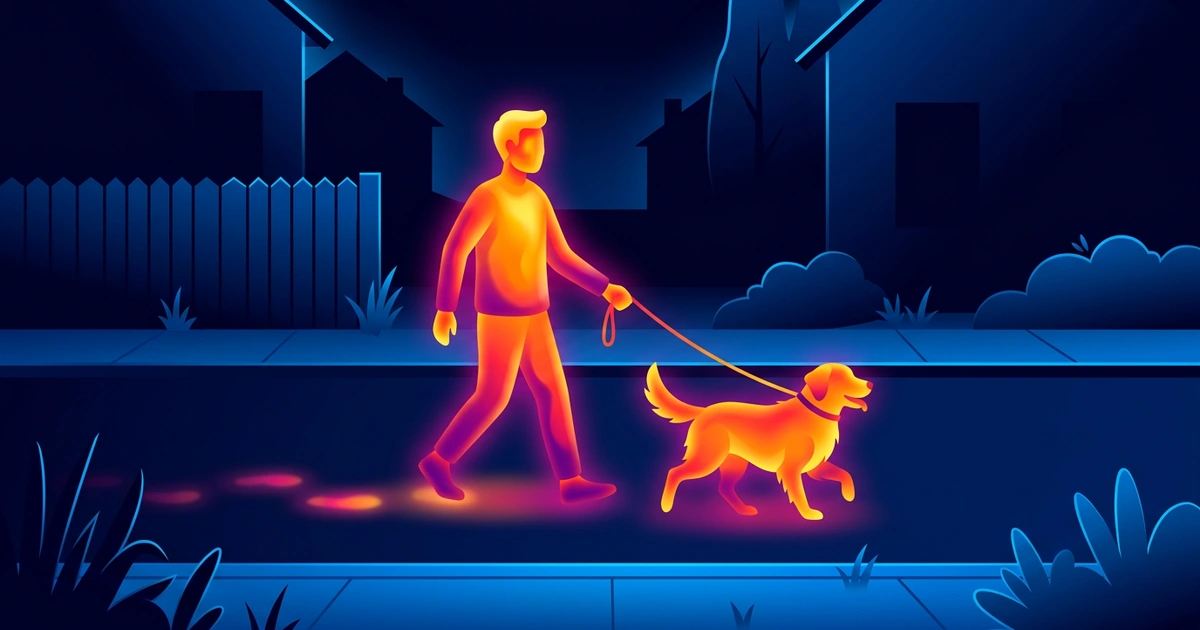
A thermal camera works from heat instead. Everything gives off heat as infrared, and people aren’t hot enough to glow in visible light: NASA notes that we emit only infrared. The camera measures that heat across the scene and paints it in colors.
Put simply: night vision turns up the brightness on a dark scene, and thermal draws a map of where the warmth is.
What Do Thermal and Night Vision Images Look Like?
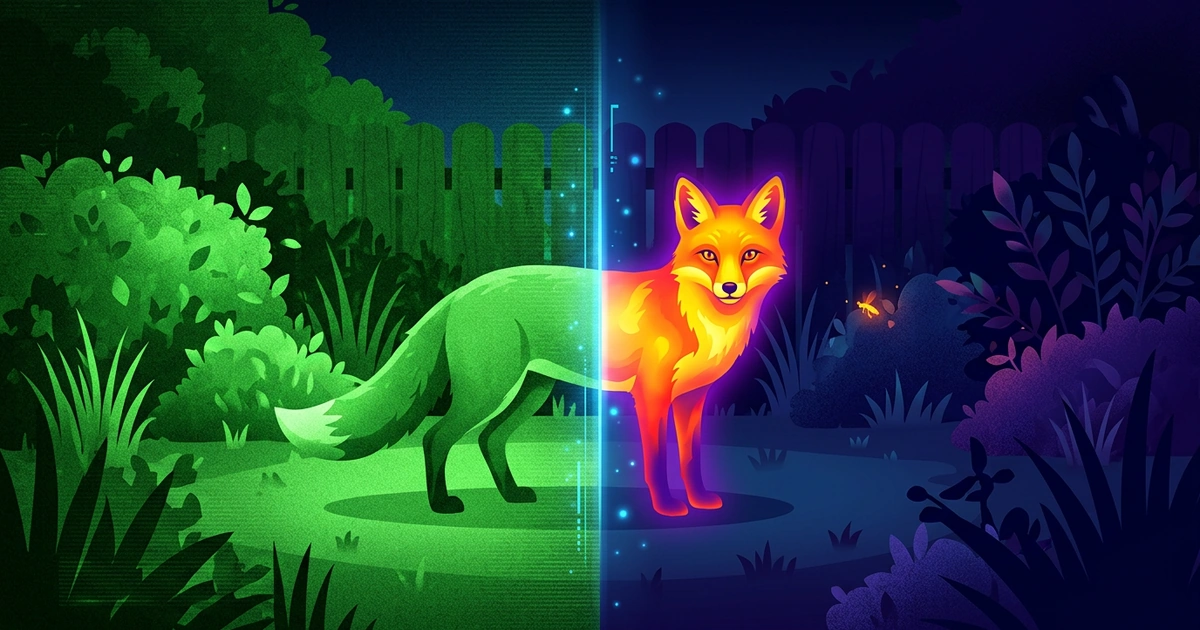
Night vision looks like a grainy green photo with real detail; thermal looks like glowing shapes in made-up colors. The NIJ notes that night vision shows facial features in fairly good detail, while thermal doesn’t show them at all.
Picture a cat in a dark garden at 10 p.m. Night vision shows its fur, the fence and the hedge leaves in shades of green. Thermal shows a bright cat-shaped glow against a cool garden, easy to spot even half behind the hedge, but with no fur pattern to tell it from the neighbor’s cat. The thermal colors are a palette the camera applies, not the scene’s real colors.
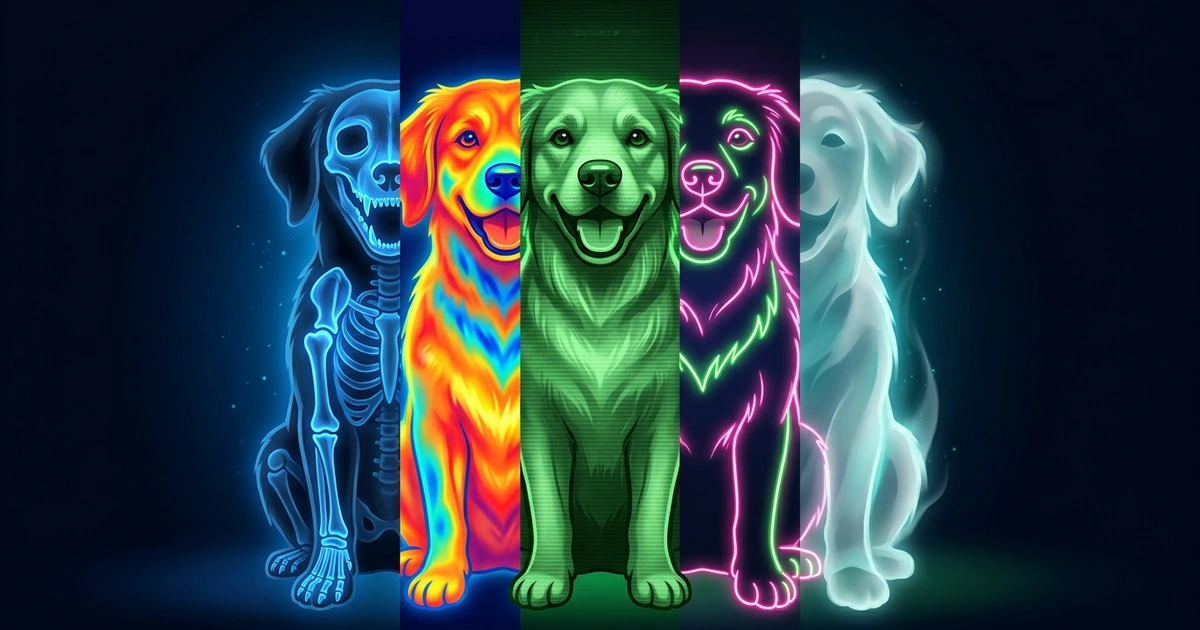
Those two looks, green grain and heat-map glow, are the ones XRayly’s Night Vision and Thermal effects recreate.
Does Night Vision Work in Total Darkness?
No. Night vision needs a little light to amplify, so in a sealed room with no light at all it shows almost nothing. On an overcast night or inside an unlit building, the NIJ notes, it needs an infrared light, which is why many devices have one built in. Your eyes can’t see it, but the device can.
Thermal works in total darkness, because it never needed light. A warm dog in a pitch-black barn shows up just as clearly with the lights off as on.
Bright light turns it around. Car headlights in view wash a night-vision picture out with glare, and very bright light can even damage the tube. Headlights don’t blind a thermal camera, so it works day and night.
Thermal vs Night Vision: Side-by-Side
Night vision wins on detail, faces, glass and price; thermal wins on darkness, bright light and fog.
| Question | Night vision | Thermal |
|---|---|---|
| The picture | Grainy green, with fine detail | Glowing shapes in palette colors |
| Faces | Visible in fairly good detail | Not shown |
| Total darkness | Needs an infrared light | Works |
| Bright light | Glare washes it out | Works the same |
| Window glass | Sees through it | Sees only the glass |
| Fog and light brush | Blocked, like your eyes | Sees through most of it, with less contrast |
| Price | Usually lower | Usually higher |
For most people the deciding lines are total darkness and spotting things in brush, which favor thermal, and detail and price, which favor night vision.
How XRayly Helps You Try Both Looks
Choose Night Vision on XRayly’s home screen, then take a photo or pick one from your gallery. It adds a green glow and a grainy, after-dark feel, and the photo doesn’t need to be taken in the dark. The result usually takes about 45 seconds; keep the app open. Compare the Before and After, save or share it, or tap Try another effect to see the same photo in Thermal’s bright yellows, oranges and reds against cool blues.
XRayly’s effects are artistic simulations for fun. They don’t capture real X-ray or thermal imagery. XRayly is free to try with limited free credits, on iOS and Android.
Frequently Asked Questions
Why is night vision green?
Because the screen inside the device glows green. A night-vision tube turns incoming light into electrons, multiplies them and fires them at a phosphor screen that converts their energy into green light, so every brightness level comes out as a shade of green. Some newer devices use a white screen instead.
Is infrared the same as night vision?
Not exactly. Night vision uses near-infrared, just past the red your eyes can see, the same band a TV remote uses at around 940 nanometers. Thermal cameras read much longer infrared: NASA notes that Earth scientists call the band from 8 to 15 microns thermal infrared, which is heat.
Can my phone see in the dark like night vision or thermal?
No. A phone’s Night mode brightens a dim scene by gathering light for longer, but it can’t multiply light like a night-vision tube, and in a pitch-black room it has nothing to work with. Phones can’t sense heat either: point yours at your hand and nothing glows.
Sources and further reading
- Scoping Out Night Vision (National Institute of Justice)
- Infrared Waves (NASA Science)
See your world differently
Download XRayly, try X-Ray, Thermal, and Night Vision on your own photos, and find your favorite style.