How to Make an X-Ray Photo of Yourself
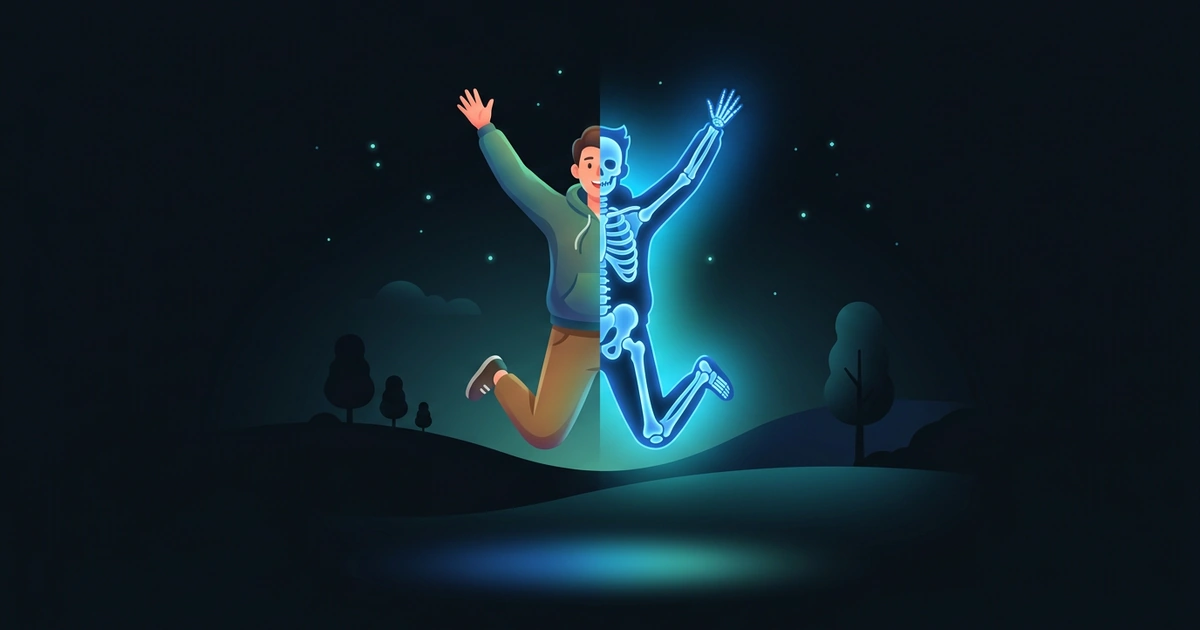
You want an X-ray photo of yourself: the glowing blue skeleton version of a jump, a wave or a dance. You don’t need a hospital or Photoshop, just a photo with the right pose.
Written by XRayly Team4 min readUpdated

Maybe a friend posted one, or you just want to see yourself as a skeleton mid-jump. The effect does the hard part; your job is the pose. A star jump gives it a whole skeleton to draw; a wave or a selfie works too, with fewer bones.
To make an X-ray photo of yourself, take a sharp photo against a plain background, then apply an X-ray effect. A pose with your arms and legs spread shows the most skeleton, but a half-body shot or a selfie works too: the effect adds bones to whatever it can see.
What Makes a Good X-Ray Photo of Yourself
Think of your photo as a silhouette: the clearer your shape against a plain background, the better the skeleton reads. Arms and legs held away from your body give it more bones to draw.
Full-body or close-up is your call. A selfie becomes a glowing head and shoulders; a shot from head to feet gives the effect arms, a torso and legs.
How to Make an X-Ray Photo of Yourself
Most of the work is picking the pose.
Pick your pose
Choose one you like: a star jump, a wave with your fingers spread or a side-on stride. Ideas are below.
Set up the shot
Prop your phone at chest height and use the 10-second timer, or ask a friend to take it. Stand in front of a plain wall or an open patch of yard.
Take a few tries
Take 3 or 4 shots and keep the sharpest one. For a jump, the shot from the top of the leap shows the most.
Apply an X-ray effect
Open an X-ray effect app, choose your photo, and crop it around yourself.
Compare and share
Put the result next to your original. The before and after side by side is the part your friends will react to.
X-Ray Photo Poses to Try on Yourself
Poses with a clear shape make the most fun X-rays. These four work on your own, with a timer.
1. The wave. Raise one arm with your palm to the camera and your fingers spread. An open hand is the classic X-ray picture, and it works as a half-body shot.
2. The side-on stride. Walk past the camera mid-step, side-on, with your arms swinging. A side view shows both legs and the line of your back, so the skeleton reads at a glance.
3. The flex. Raise both arms and bend them at the elbow, like a bodybuilder showing off. The joke is a muscle pose turned into nothing but bones.
4. The sit-down. Sit cross-legged on the floor with your hands on your knees, and set the phone at seated height in front of you. A skeleton sitting calmly is funnier than you’d expect.
For a star jump or a skeleton dance with a friend, the Halloween post has more ideas.
How XRayly Helps You Make an X-Ray Photo
Choose X-Ray on XRayly’s home screen, then take a photo or pick one from your gallery. It adds a blue glow and imagined skeletal details for a scan-inspired look, and it suits the kind of clear pose above. Frame Your Photo lets you crop before you tap Apply Effect, with three reminders: Keep in frame, Plain background and Good lighting.
The result usually takes about 45 seconds; keep the app open. Compare the Before and After, save or share it, or tap Try another effect to see the same pose in Ghost Vision or Neon. Your photo is discarded right after processing, and results stay in History on your phone.
Frequently Asked Questions
Can I make an X-ray photo from a picture I already have?
Yes. Choose it from your gallery instead of taking a new one. It works best when the photo is sharp and you aren’t tiny in the frame.
Is there a free X-ray photo app?
Yes. XRayly is free to try on iOS and Android with limited free credits, and X-Ray is one of its five photo effects, along with Thermal, Night Vision, Neon and Ghost Vision. Pro adds unlimited effects.
How do I make an X-ray photo of two people?
Stand side by side with a little space between you, so your outlines don’t merge into one shape, and keep both of you in the frame.
See your world differently
Download XRayly, try X-Ray, Thermal, and Night Vision on your own photos, and find your favorite style.