How to Make an X-Ray Photo of Your Pet
You want an X-ray photo of your pet: your dog mid-leap or your cat stretched out on the sofa, turned into a glowing blue skeleton. It’s easier than it looks, and your pet only has to cooperate for a second.
Written by XRayly Team4 min readUpdated
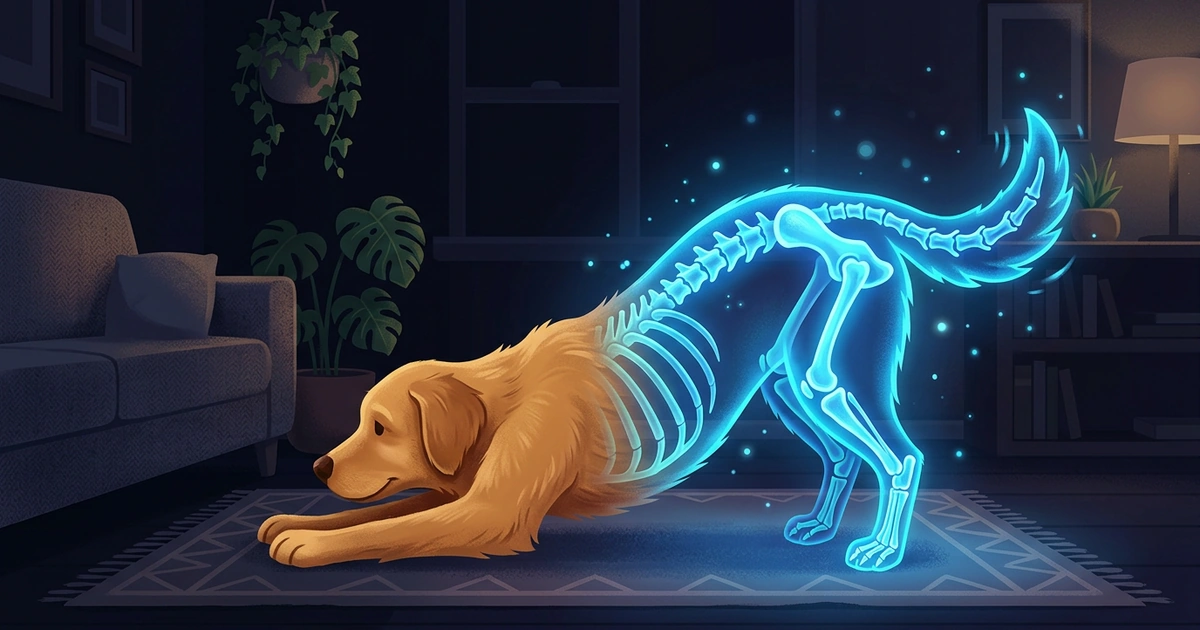
Maybe your dog just did something ridiculous mid-fetch, or your cat fell asleep in a pose you can’t stop laughing at. That’s your photo. The effect does the hard part, and a full stretch, a head tilt or a curled-up nap all make a fun X-ray.
To make an X-ray photo of your pet, take a sharp photo of them against a plain background, then apply an X-ray effect. Your pet’s whole body doesn’t need to be in the shot: the effect adds a glow and bones to whatever it can see, and the pose decides which bones show.
What Makes a Good X-Ray Photo of Your Pet
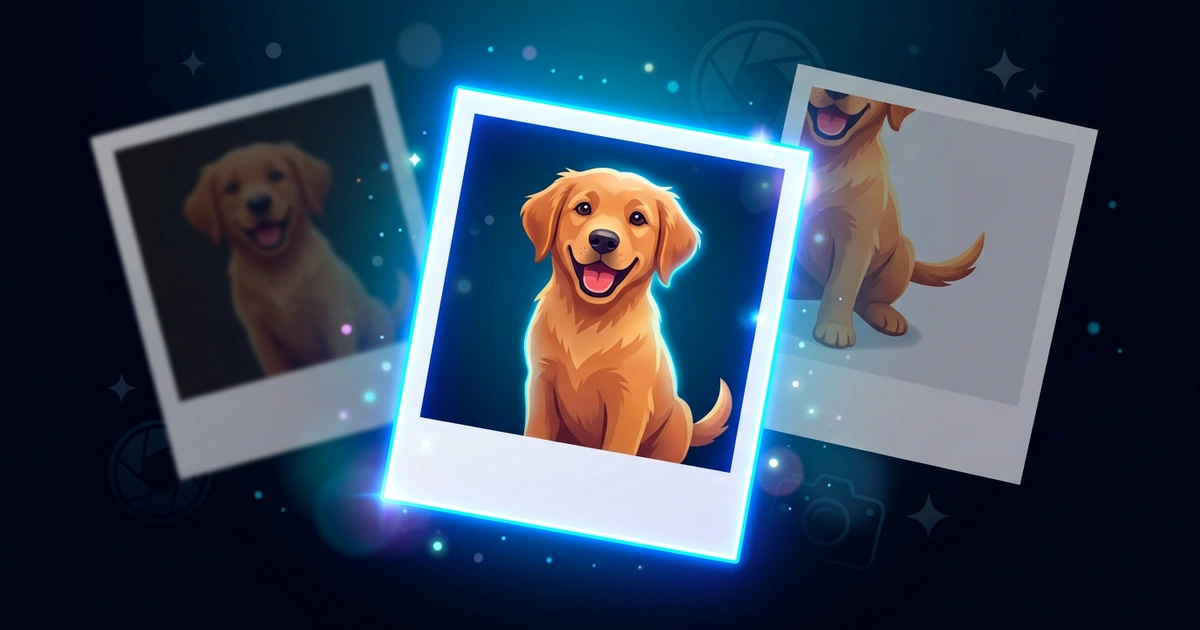
A good pet X-ray photo starts with a sharp shot where your pet stands out from the background. It doesn’t need every leg or the tail in view: a head-and-shoulders shot works as well as a full stretch.
Pick a plain floor, wall or lawn, and skip blankets with busy patterns, which compete with the glow.
How to Make an X-Ray Photo of Your Pet
Most of the work is getting your pet to hold still for a second.
Pick the moment
Wait for a pose you like: a stretch after a nap, a sit, a head tilt or a leap for a ball.
Get down low
Crouch to your pet’s eye level, so the photo shows their face, not the top of their head.
Get their attention
Hold a treat or a squeaky toy just above your phone, or ask a helper to. Your pet looks your way and freezes for a second or two, and a squeak right before you tap often gets you a head tilt for free.
Take plenty of shots
Pets don’t hold a pose for long, so take 5 to 10 shots and keep the sharpest one.
Apply an X-ray effect
Open an X-ray effect app, choose the photo, and crop it around your pet.
Pet X-Ray Photo Ideas to Try
Everyday moments make the best pet X-ray photos. These four happen at home all the time.
1. The big stretch. Catch your cat or dog stretching after a nap, front legs reaching forward. It shows the legs and back in one long line.
2. The sit. A dog sitting side-on with its head turned to the camera. It’s the easiest pose to get with a treat, and the folded back legs make a funny shape as bones.
3. The head tilt. A close-up of your dog or cat tilting its head at a strange noise. You don’t need the body at all; the tilt is funny on its own as a glowing X-ray.
4. The zoomies. A dog running across the yard. Pick the shot where its paws are off the ground; a skeleton mid-flight is hard to beat.
For a dog mid-fetch or a ghost pet for Halloween, the Halloween post has more ideas.
How XRayly Helps You Make a Pet X-Ray Photo
Choose X-Ray on XRayly’s home screen, then take a photo or pick your favorite pet shot from your gallery. It adds a blue glow and imagined skeletal details for a scan-inspired look, and it suits a clear, sharp pet photo. Frame Your Photo lets you crop before you tap Apply Effect, with three reminders: Keep in frame, Plain background and Good lighting.
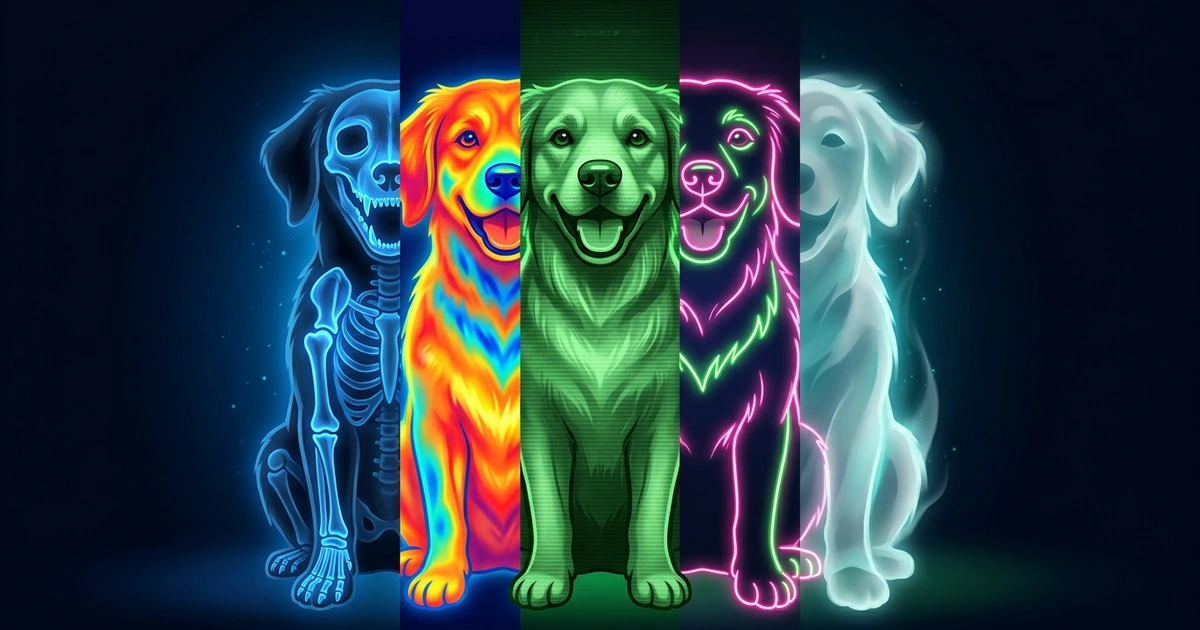
The result usually takes about 45 seconds; keep the app open. Compare the Before and After, save or share it, or tap Try another effect to see the same pet in Ghost Vision or Neon. Your photo is discarded right after processing, and results stay in History on your phone.
Frequently Asked Questions
Does an X-ray effect work on cats as well as dogs?
Yes. A cat, a dog or a rabbit all work, as long as your pet is easy to pick out from the background. A plain floor or wall behind them helps most.
Can I use an old photo of my pet?
Yes. Choose it from your gallery instead of taking a new one. It works best when your pet isn’t blurry or tiny in the frame.
Is there a free X-ray app for pet photos?
Yes. XRayly is free to try on iOS and Android with limited free credits, and X-Ray is one of its five photo effects. Pro adds unlimited effects.
See your world differently
Download XRayly, try X-Ray, Thermal, and Night Vision on your own photos, and find your favorite style.