Halloween Video Effects to Try on Your Phone
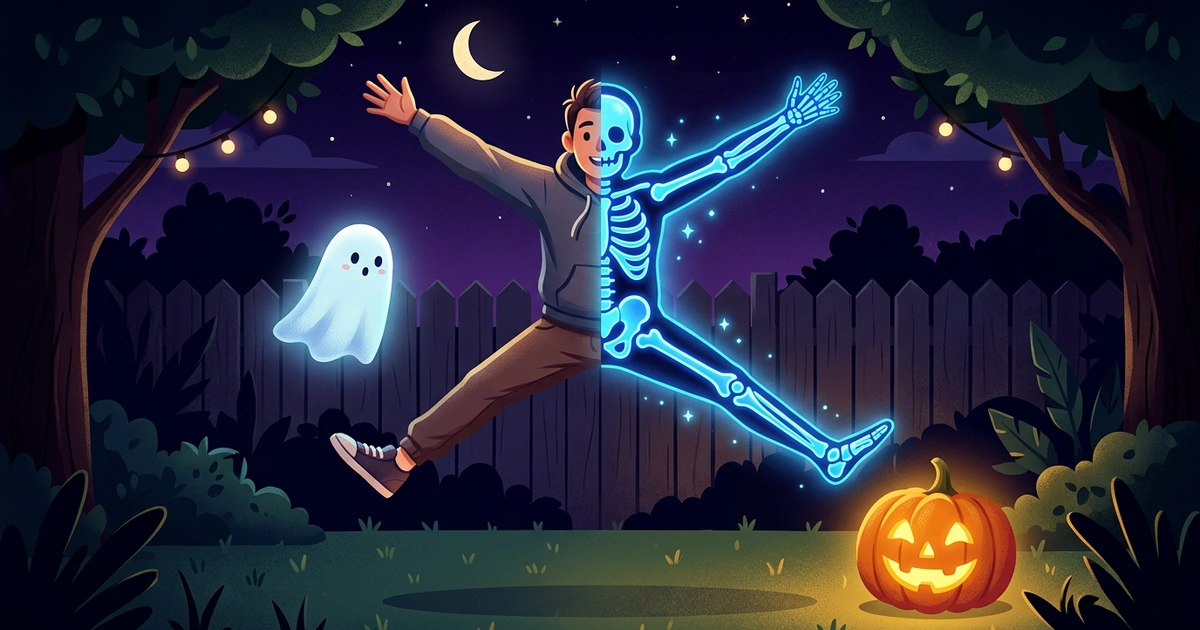
You want Halloween video effects that make a clip feel scary, not just orange. A hallway, a doorway or a walk up the porch steps can look like a scene from a horror movie, as long as the shot gives the effect something to work with.
Written by XRayly Team7 min readUpdated
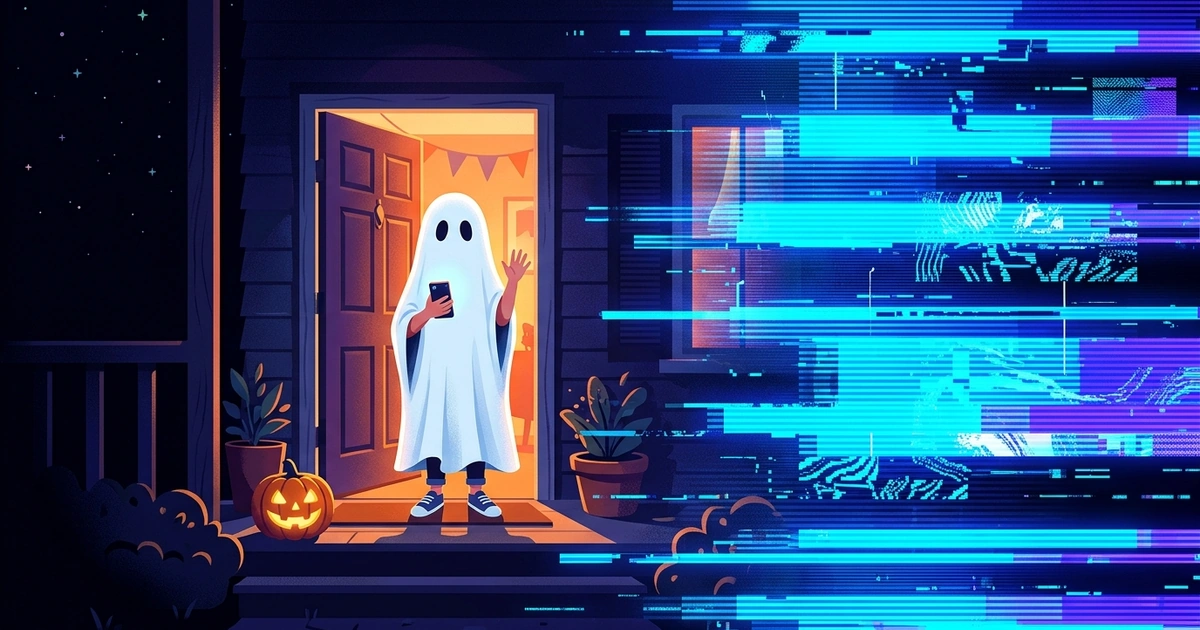
Most lists of Halloween video effects are menus of face filters, floating bats and stickers. Those decorate a video. The effects that feel scary change the whole picture instead: the frame glitches, the room turns night-vision green, or a figure in the doorway starts to glow.
Below are six of them, each with the clip it suits and the sound that sells it, plus three ways to cut them into a Halloween TikTok.
The Halloween video effects that look scariest change the whole frame: a glitch that tears the picture, green night vision, a pale ghostly glow, inverted negative colors, a thermal heat map or neon outlines. Pair each one with a single slow move in a clip of 15 to 30 seconds, filmed in steady light with your phone held still.
What Makes a Halloween Video Effect Look Scary
A Halloween video effect looks scary when it plays over three things: one slow move, a camera that holds still, and a reveal at the end. The effect sets the mood; those three make the person watching uneasy.
Slow beats fast. A figure taking five slow steps toward the camera is creepier than a jump scare, because the viewer has time to notice it and wonder. Count to three on each step.
Hold the frame. When the phone stays still, the only things moving are your subject and the effect, so a glitch or a sudden turn lands like an interruption.
End on the reveal. 15 to 30 seconds is enough for a quiet setup, a slow build and one moment that changes: someone in the doorway, a face turning, the picture breaking up. Stop the clip right after it, before the scare wears off.
6 Halloween Video Effects to Try
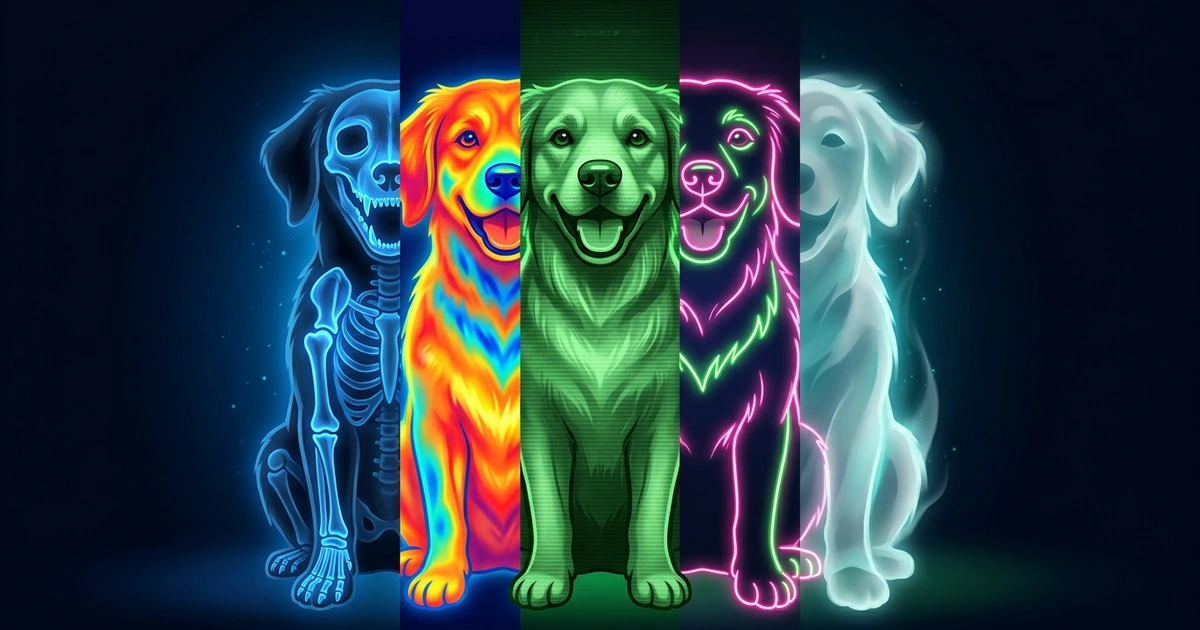
Each of these looks suits a different kind of clip, from a haunted-tape hallway to a costume party. All six are among XRayly’s Live Effects, which show the look on your camera feed while you film.
1. Glitch, for a haunted tape. Film an empty hallway or a bedroom door with the phone held still for about 10 seconds, then have someone step into the frame. A glitch that tears and jolts the picture makes it look like the camera caught something it shouldn’t have. Keep everything else still, so the glitch is the only thing jumping, and add a burst of static each time it hits.
2. Night vision, for a ghost hunt. Creep down a hallway or around the backyard with the phone at chest height, as if you’re filming a paranormal investigation. Green, grainy night vision is the look of every ghost-hunting show. Pause for 2 seconds at each corner before you turn it, and put slow breathing under the clip. The pause is where viewers start to expect something.
3. Ghost glow, for a figure in the doorway. Have someone stand still in a doorway or at the end of a hall, then take three slow steps toward the camera. A pale, ghostly glow on a still figure is unsettling in a way a costume isn’t. Leave space around them, so the glow has room to spread. A creaking door or a low hum beats music here.
4. Negative, for a possessed turn. Start on a friend looking away from the camera, then have them turn slowly to face it. Inverted colors make skin pale and eyes dark, which reads as possessed in a second. A clip of 5 to 10 seconds is enough. Cut the sound to silence the moment they turn; the quiet is the scare.
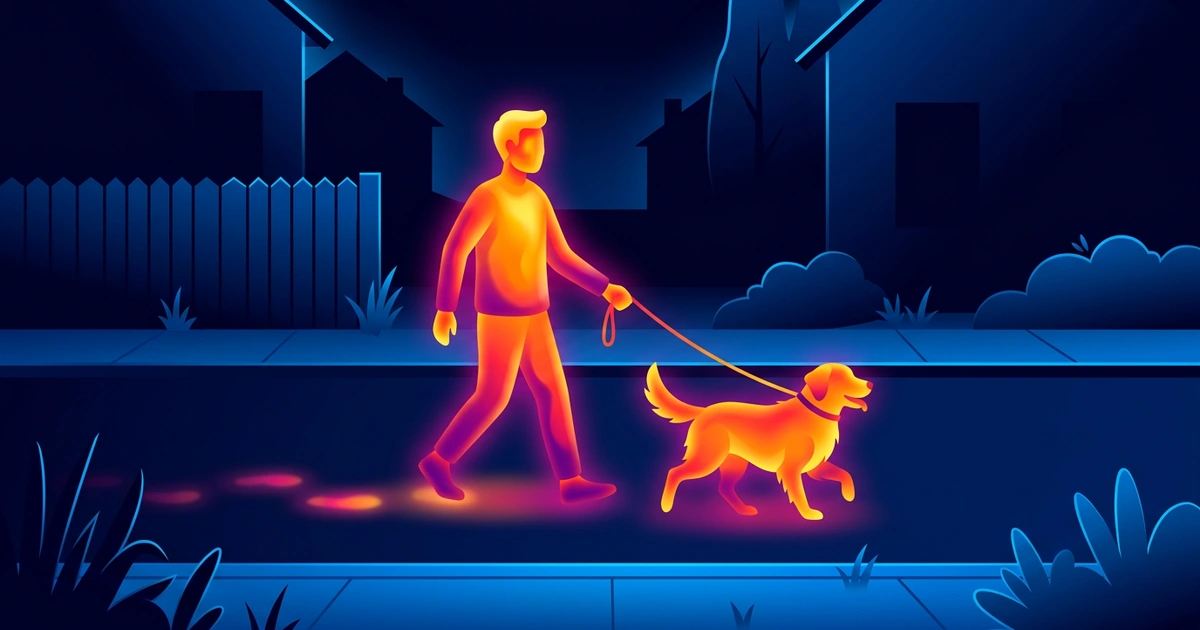
5. Thermal, for a monster’s point of view. Film trick-or-treaters or your family on the couch from behind a doorframe, as if something is watching them. Bright yellows, oranges and reds against cool blues are the creature-vision shot from horror and sci-fi movies. Move the phone slowly, like you’re stalking, with a low heartbeat underneath.
6. Neon, for a costume party. Film a group dancing, or one dancer against a dark wall. Glowing outlines and electric pink, green and blue turn costumes into moving shapes of light. Cut it to a song with a heavy beat. It’s the least scary of the six and the best pick for a party clip your friends will want to repost.
Halloween TikTok Video Ideas With Effects
One effect makes a clip; two clips cut together make a story. These three ideas use short takes you join in your video editor, each take filmed with one effect.
1. The switch. Film the same move twice: once with the normal camera, once with an effect. Cut from one to the other at the moment of the turn or the step forward. A plain hallway that suddenly turns into night vision or ghost glow is the simplest Halloween transition there is.
2. The three-shot story. Shot one: an empty room, normal camera, 5 seconds. Shot two: the same room with a glitch, 5 seconds. Shot three: a figure in the doorway with a ghost glow, 5 to 8 seconds. Under 20 seconds in total, and the viewer fills in the rest.
3. The haunted pet. Film your cat on the stairs or your dog staring down an empty hallway with a ghost glow or night vision on. Pets that sit still and stare at nothing are already a little spooky; the effect makes it look like they’ve seen something you can’t.
Posting a carousel or need a thumbnail? A still from the same shoot works, and the photo post has 12 poses that suit skeleton and ghost effects.
How XRayly Helps with Halloween Videos
Open Live Effects to see Glitch, Night Vision, Thermal, Neon, Ghost Vision or Negative on your camera feed in real time, then record up to 30 seconds, long enough for any idea above. Glitch and Night Vision are free; the other four need Pro. Live effects run on your phone, so nothing is uploaded, and your clips are kept in History.
For a thumbnail or a carousel still, choose Ghost Vision on the home screen and take a photo of the figure in the doorway, or pick one from your gallery. The pale, otherworldly glow suits a subject with space around it, and the result usually takes about 45 seconds. Compare the Before and After, then save or share it.
Every effect is an artistic look for fun: XRayly doesn’t see in the dark or measure heat, and the thermal colors aren’t real temperatures. XRayly is free to try on iOS and Android.
Frequently Asked Questions
How do you make a video look scary?
Film one slow move, like a figure stepping out of a doorway, in steady light with the phone held still, then add a full-frame effect such as a glitch, night vision or a ghostly glow. Keep it to 15 to 30 seconds and add a horror sound in your editor. Slow movement and sound do more than any sticker.
Is there a free Halloween video filter?
Yes. XRayly’s Glitch and Night Vision live effects are free and show on your camera in real time while you record up to 30 seconds; Ghost Vision, Thermal, Negative and Neon need Pro. The camera in your social app may have seasonal Halloween effects too.
How long should a Halloween TikTok be?
15 to 30 seconds works for most Halloween clips: long enough for a setup, a slow build and one reveal. A single effect shot of 5 to 10 seconds is enough for a jump scare or a possessed turn. Longer stories work better as three short shots cut together than as one long take.
See your world differently
Download XRayly, try X-Ray, Thermal, and Night Vision on your own photos, and find your favorite style.