Explore XRayly’s photo effects
One photo can take on a completely different mood with the right effect. XRayly gives you five styles to play with, from a glowing X-Ray look to bright Neon outlines.
Written by XRayly2 min readUpdated
Meet the five effects
Choose a style for the mood you want: bold, colorful, or a little spooky.
X-Ray
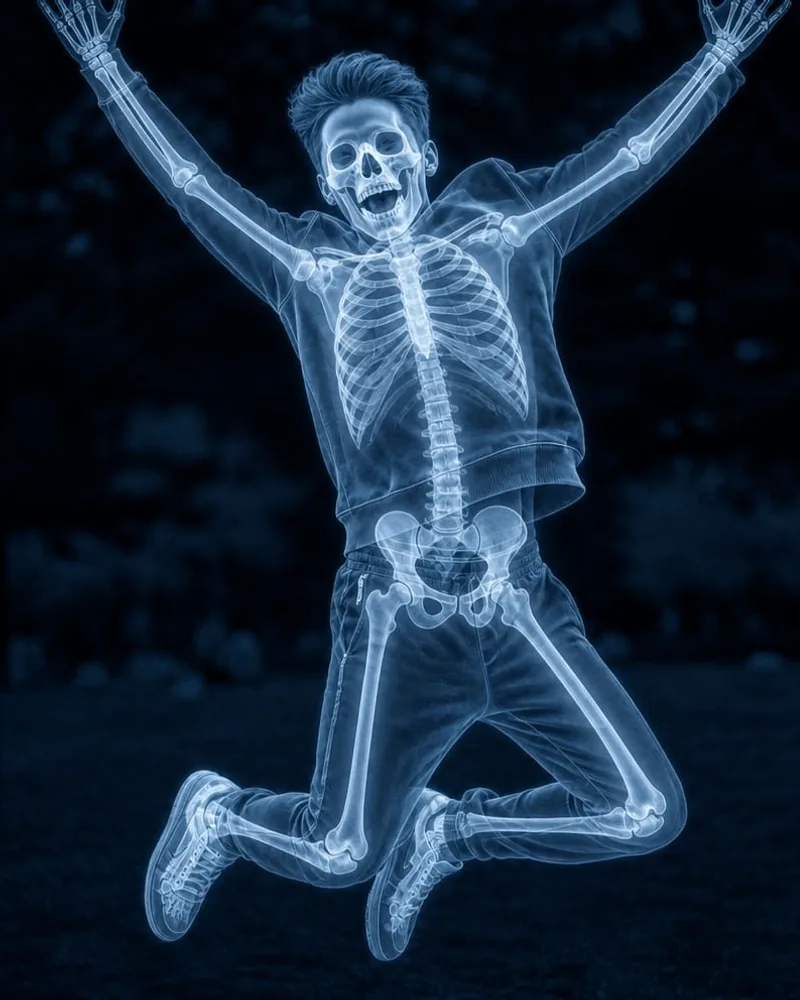
X-Ray adds a blue glow and imagined skeletal details for a scan-inspired look. A jumping pose or raised arms can make the result especially playful.
Try a photo with a clear pose and enough room around your subject to keep their arms and legs in the frame.

Thermal
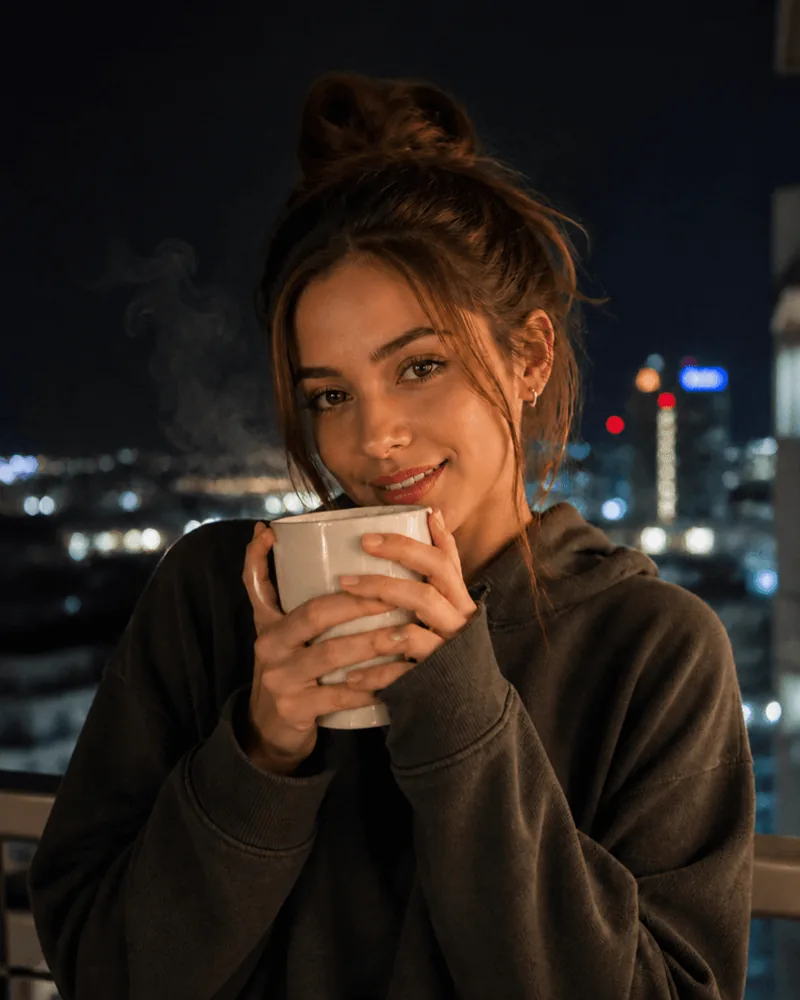
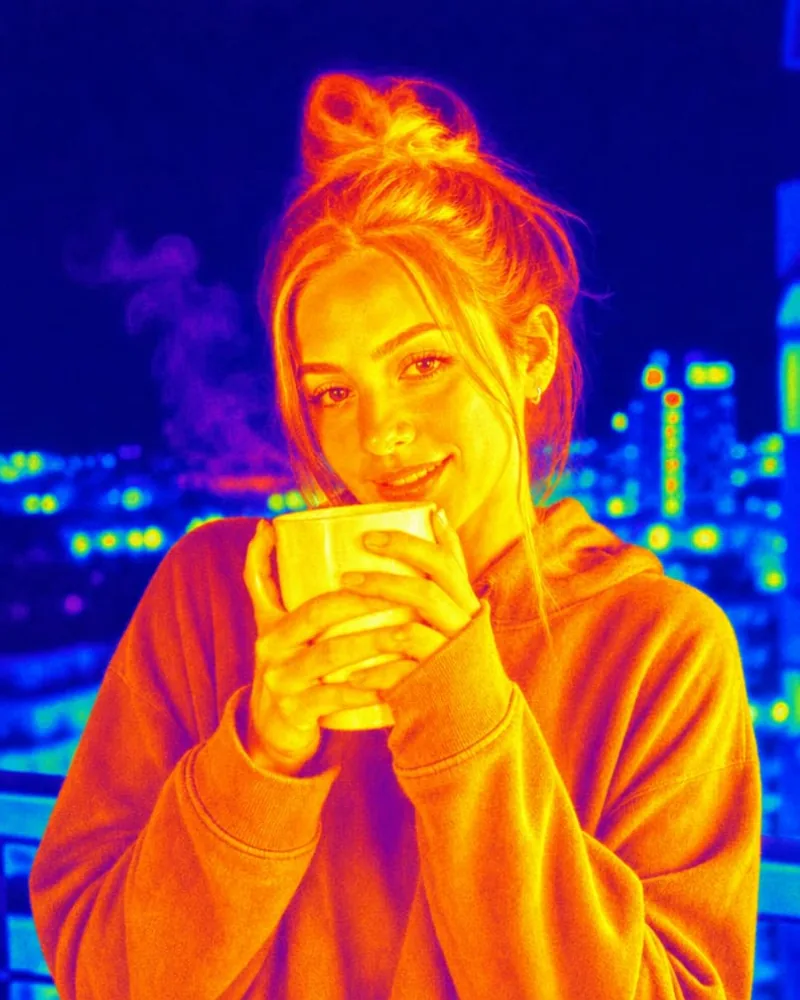
Thermal turns familiar colors into bright yellows, oranges, reds, and blues. It gives an everyday portrait a vivid heat-map look.
Try a selfie or a photo with a simple background to see the colors stand out.
Night Vision
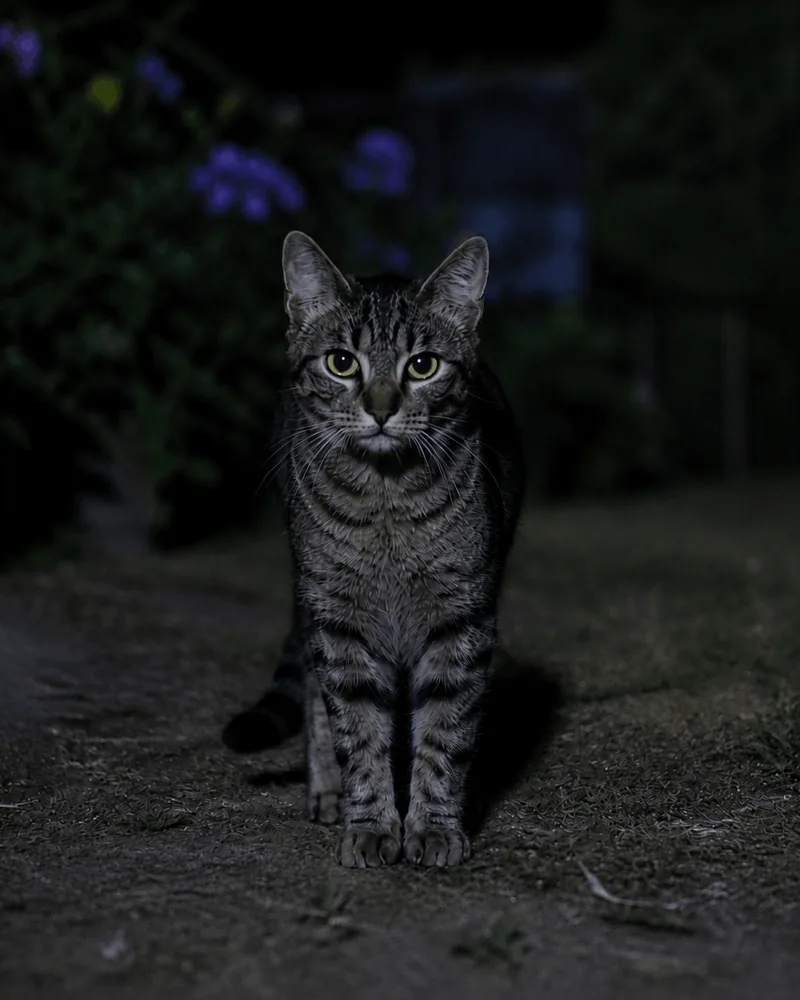
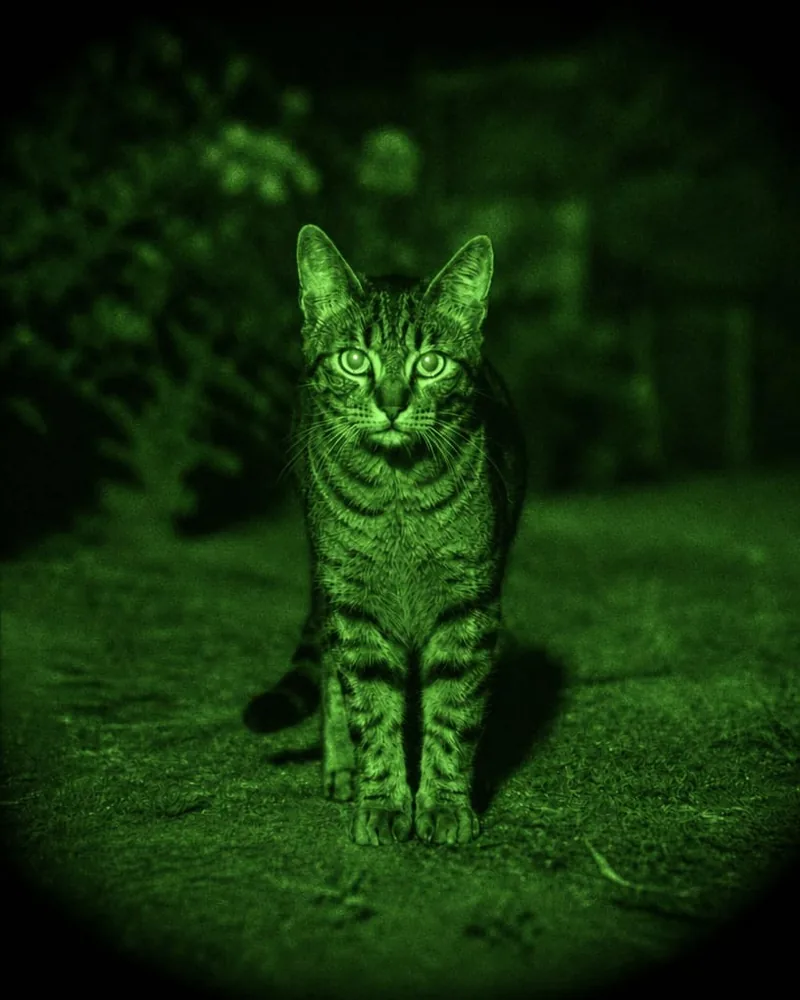
Night Vision adds a green glow and a grainy, after-dark feel. It can give a pet photo or an outdoor shot a fun spy-movie mood.
You can start with a clear daytime photo. The effect creates the night-vision look for you.
Neon
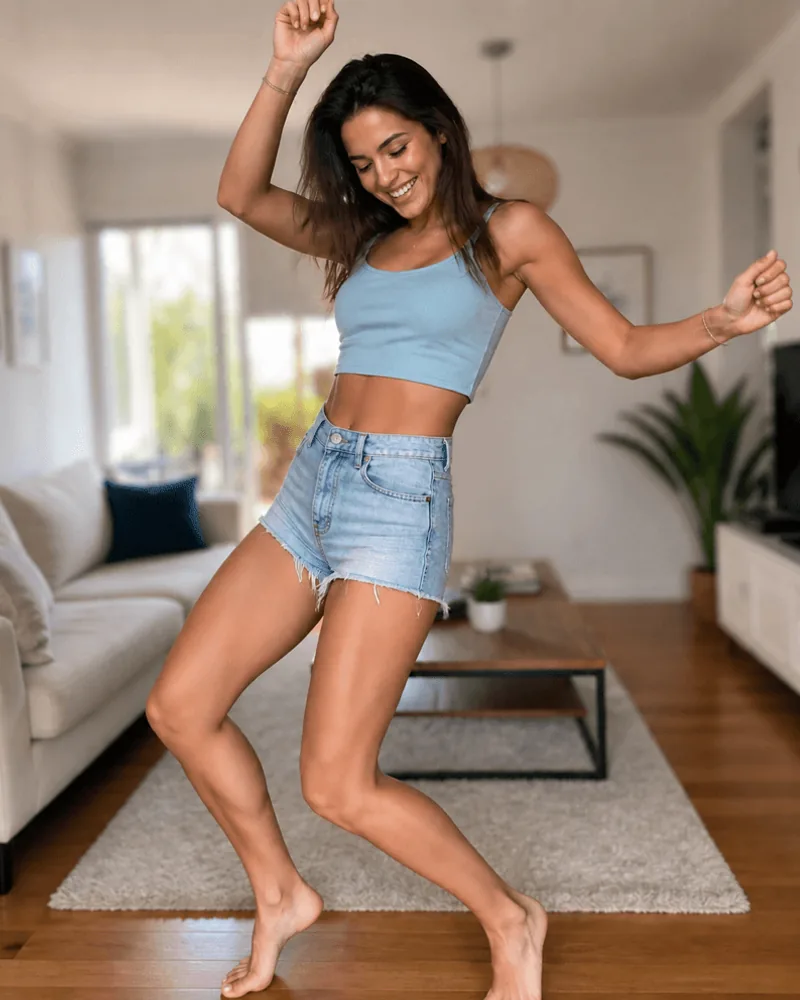
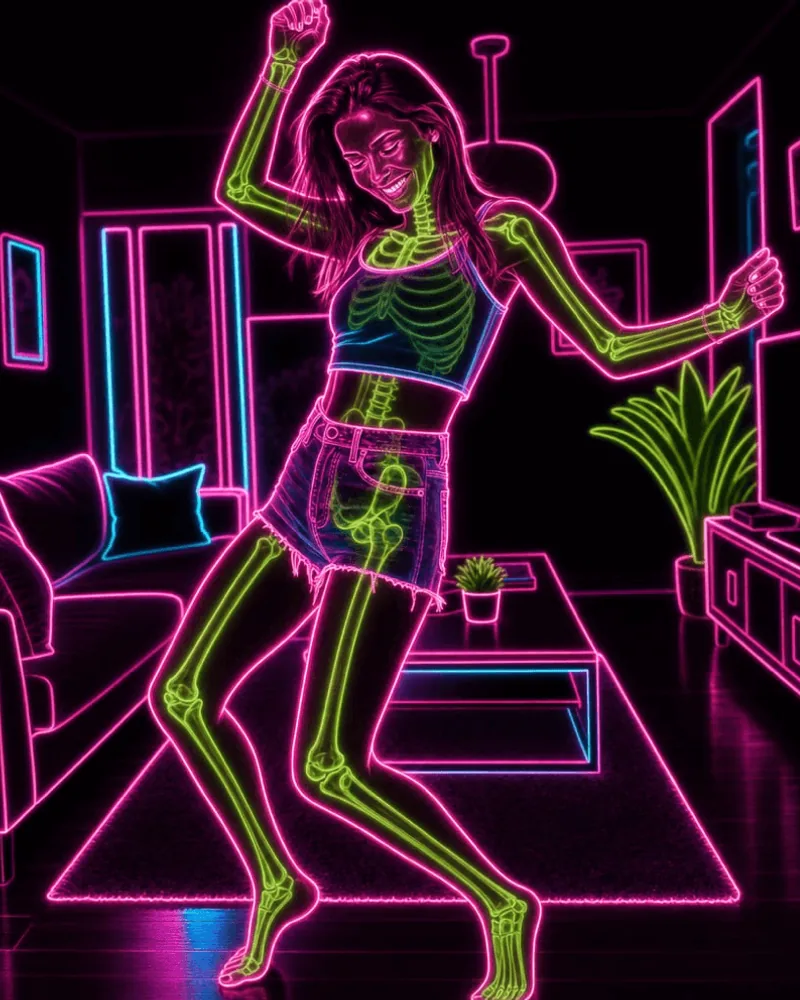
Neon brings glowing outlines and electric color to your subject and surroundings. Pink, green, and blue details give the photo a lively, illustrated feel.
Try a dancing pose or a scene with interesting shapes to explore the glowing lines.
Ghost Vision
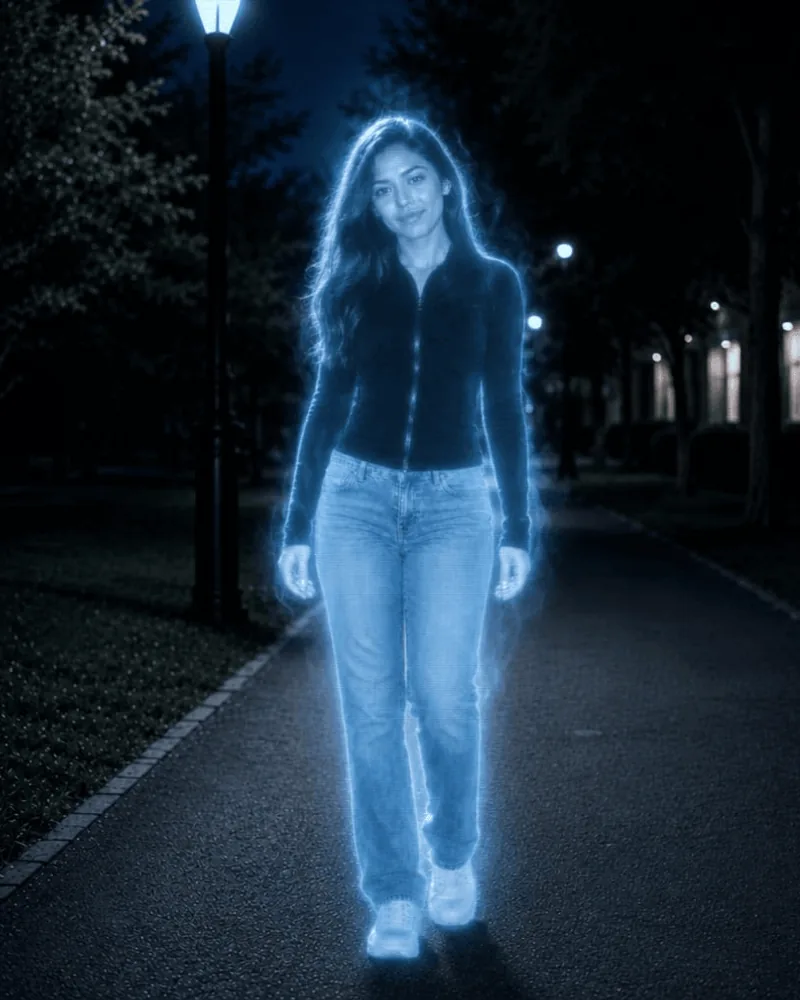
Ghost Vision gives your subject a pale glow and a ghostly, otherworldly appearance. An ordinary portrait can suddenly feel like a scene from a spooky story.
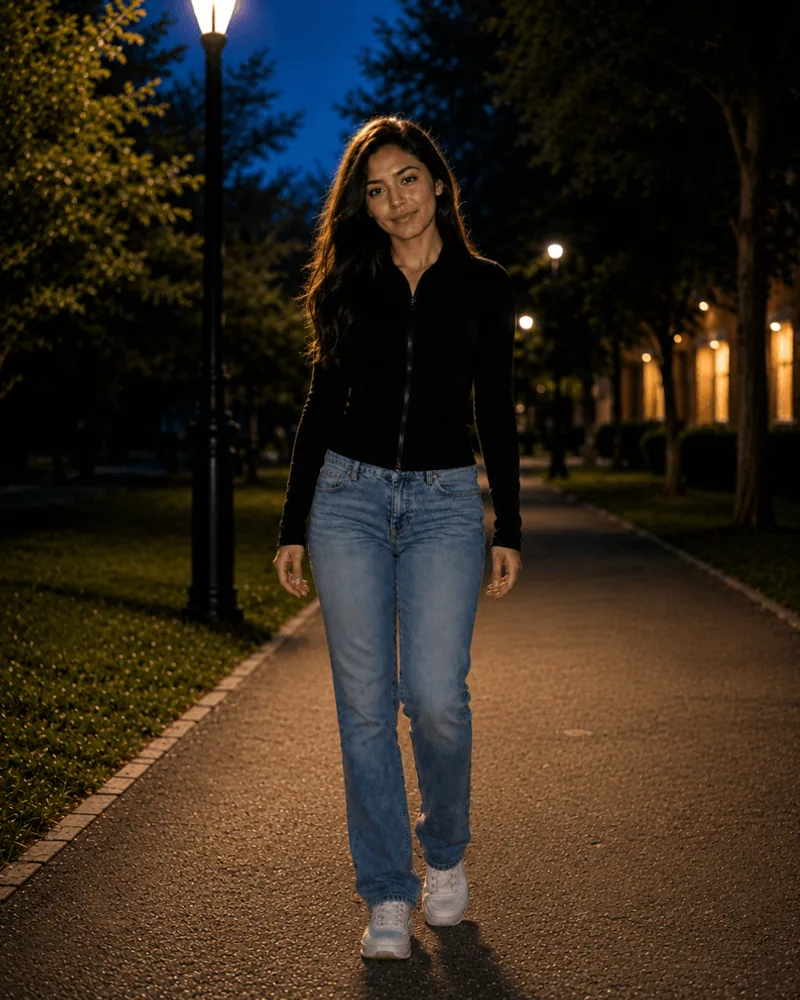
Try an outdoor portrait or a photo with space around your subject for an atmospheric look.
Try your first effect
Choose an effect in XRayly, then take a photo or pick one from your gallery. Crop it to frame your subject and create your result.
Save a look you like or share it with a friend. Follow the photo tips below when choosing your starting photo.
See your world differently
Download XRayly, try X-Ray, Thermal, and Night Vision on your own photos, and find your favorite style.

